Searching and finding
No other tool can search and find this fast a Translation Memory
-
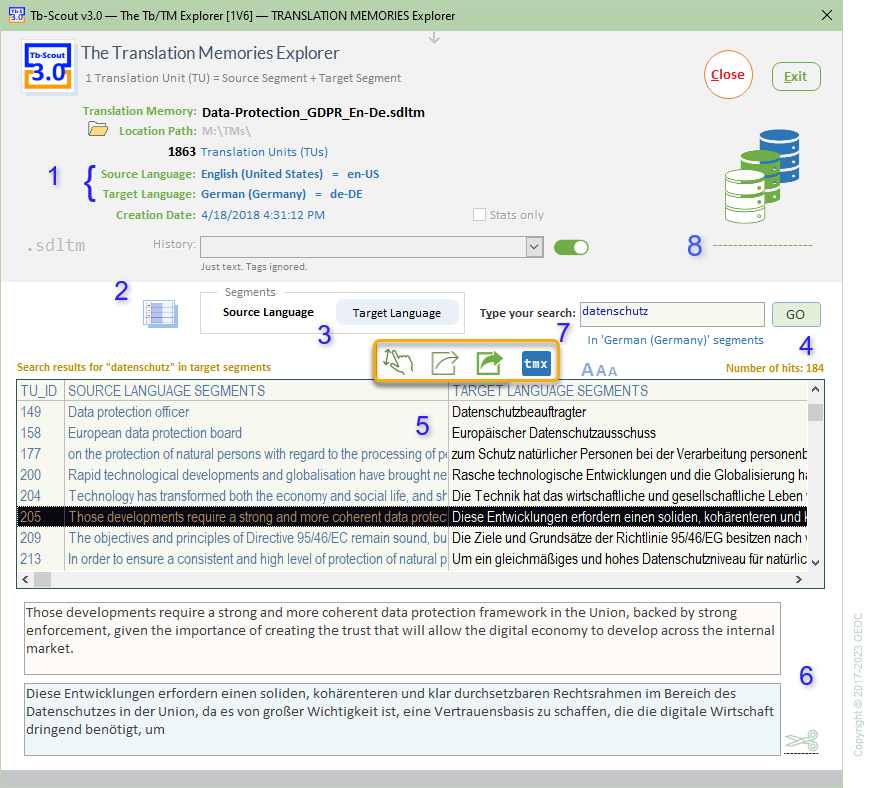
Identify Source Language and Target Language with corresponding language tags. Notice how the "Stats only" checkbox is not ticked, which allows to search through the Translation Memory.
-
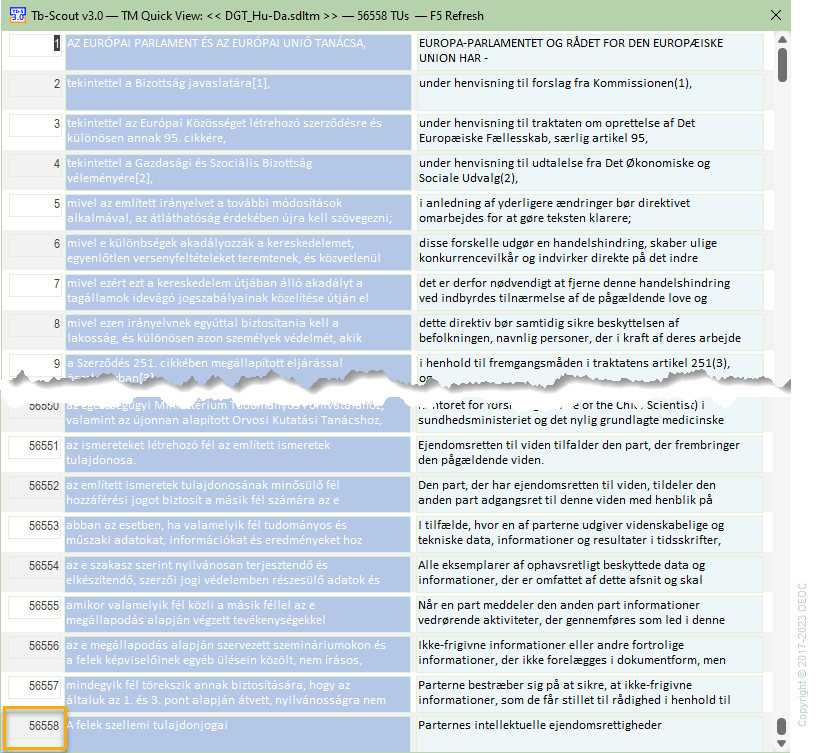
Preview the entire Translation Memory, if you are just browsing, for instance this TM with 56558 Translation Units, below
-
Select Source Language or Target Language, according to 1, above
-
Know the number of search hits to give you an idea of how often your term or phrase appears in the Translation Memory
-
Select from the results pane
-
See a wider view of the Translation Unit you selected
-
Use other functionality for a preferred view or an export action
-
Progress Bar, to indicate how the Translation Memory is still loading